This post is about code you already have: Java code you want to reuse, and, as an experiment, Unity games.
Much more of the Java class library
Codename One always shipped a subset of the Java API. That kept apps small, but it also meant that a library from Maven Central or a utility class from your server often needed edits before it compiled. That gap is now much smaller. 116 classes and interfaces joined the class library:
| Package | What arrived |
|---|---|
java.util.function | The functional interfaces: Function, BiFunction, Supplier, Predicate and the primitive variants |
java.util.stream | The core of the streams API |
java.util | Optional, StringJoiner, UUID, Base64, HexFormat, Spliterator and more |
java.util.concurrent | Executors, Future, Callable and friends |
java.time | LocalDate, LocalDateTime, Instant, Duration, ZonedDateTime and the rest of the basics |
java.text | SimpleDateFormat, DecimalFormat, MessageFormat, NumberFormat |
java.io | BufferedReader, BufferedWriter, PrintWriter, InputStreamReader and other readers and writers |
String’s regular expression methods now go through one engine on every platform, so split, matches and replaceAll behave the same on iOS, Android and the browser.
The obvious worry is size. I measured it, and the overhead is minor. ParparVM and the obfuscator strip whatever your app doesn’t call, so an app that never touches streams doesn’t carry them.
What hasn’t changed: there’s still no reflection and no class loading. That’s a deliberate choice, and it’s a big part of why Codename One apps are small, start fast and can be translated ahead of time. I talked about this, and about why Java is a better fit for this world than people assume, in my interview with Frank.
Running Unity 2D games: would this be useful?
This one is an experiment, and I’d like your opinion on it.
We wanted to learn what Unity does right for game developers and what parts of that we can offer. The best way to learn was to try running Unity games. So we built it: a Unity 2D project, with its C# scripts, scenes, prefabs, sprites and settings, copied into a Codename One project. The build compiles the C#, translates it to Java bytecode and runs it on every Codename One target, including iOS, Android, the browser and the desktop.
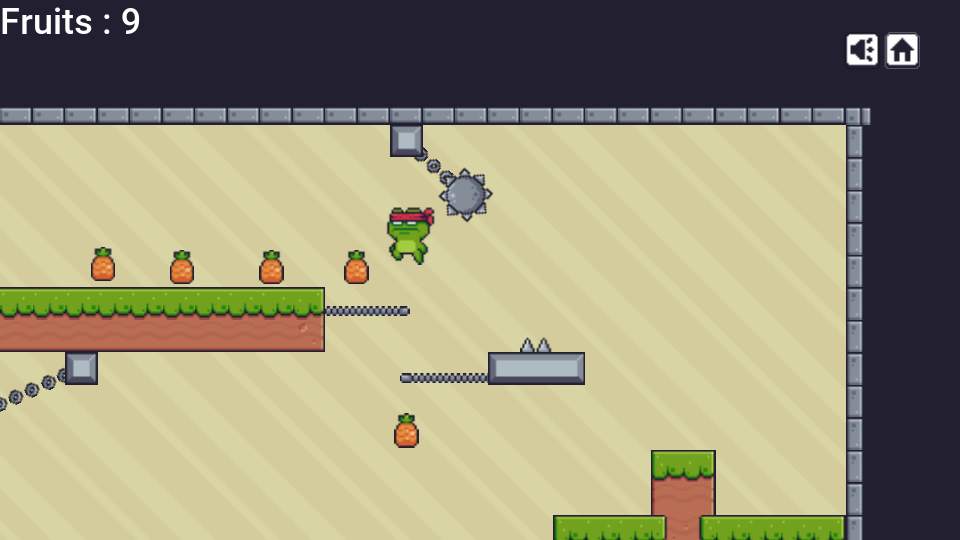
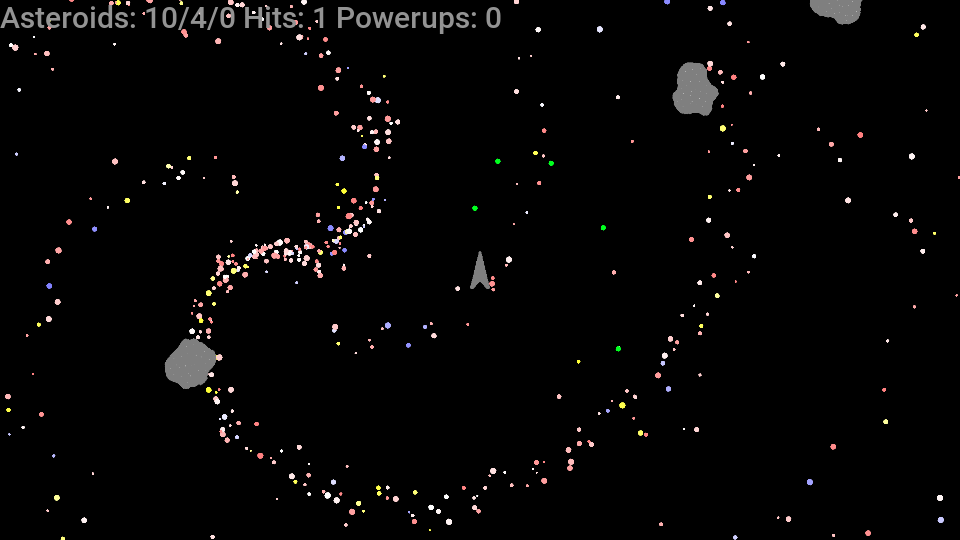
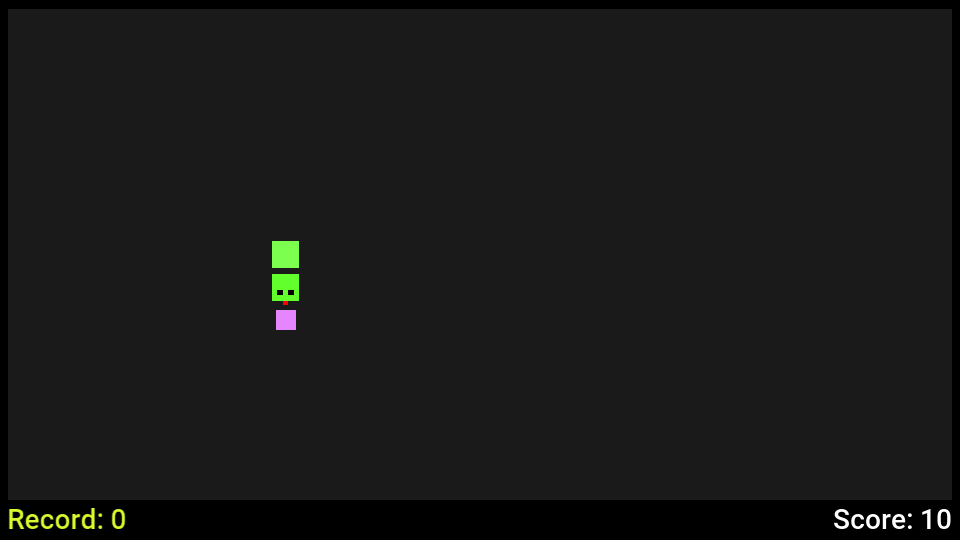
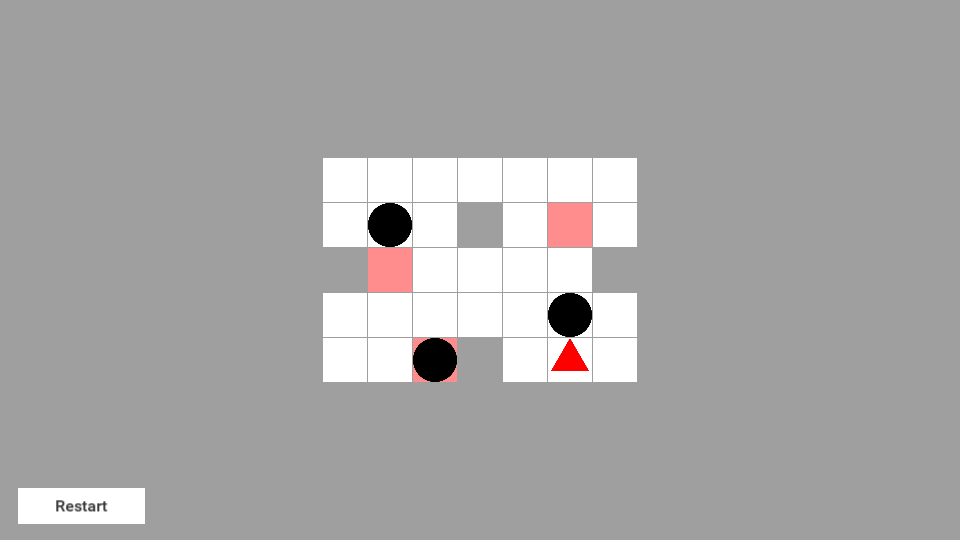
Five open source games run with no change to their scripts or assets. No Unity player and no .NET runtime ship with the app. Scripts become ordinary classes, scenes become generated code, and a runtime that implements the UnityEngine API draws the game into a Codename One component. The .NET SDK is only needed on the machine that builds, and no Unity install or license is needed at all.
That component is the interesting part. The game sits on a Codename One form, so everything around it is regular Codename One: a toolbar, a side menu, a store, sign-in, in-app purchases, push, and ads. Java and the game’s scripts call each other:
@Override
protected Form createForm(UnityGameView gameView) {
    Form form = new Form(new BorderLayout());
    Toolbar toolbar = new Toolbar();
    form.setToolbar(toolbar);
    form.setTitle("My Game");
    toolbar.addMaterialCommandToRightBar("", FontImage.MATERIAL_LEADERBOARD,
            e -> callInFrame(() -> services.ShowLeaderboard(score().get_Best())));
    form.add(BorderLayout.CENTER, gameView);
    return form;
}
The scope is 2D: sprites, tile maps, 2D physics, animation controllers, particles, the canvas interface and scripts. You can’t take any Unity game and run it. Working on this improved the Codename One gaming API too, and those improvements are what Skirmish’s arena uses.
So, would this be useful to you? A way to bring a small Unity game into an app that also needs real app features, or to keep a game going on targets you don’t want to pay for? Tell me in the comments below. Your answer decides how far we take it. The Unity guide has the details.
A faster XML parser
XMLParser got a round of fixes and a lot faster. The fast path needs one call, because strict parsing follows the XML rules exactly where the classic parser was forgiving of HTML-like input:
XMLParser parser = new XMLParser();
parser.setStrict(true);
parser.setStripNamespacePrefixes(true); // w:p is reported as p
Element root = parser.parse(reader);
On the desktop JIT a benchmark document went from 13.8 ms to 8.3 ms. Interpreted, where it matters most on older devices, it went from 751 ms to 488 ms, and to 358 ms in strict mode. Mappers.fromXml uses it, so XML mapped to objects gets the same speedup.
Run the samples right in the docs
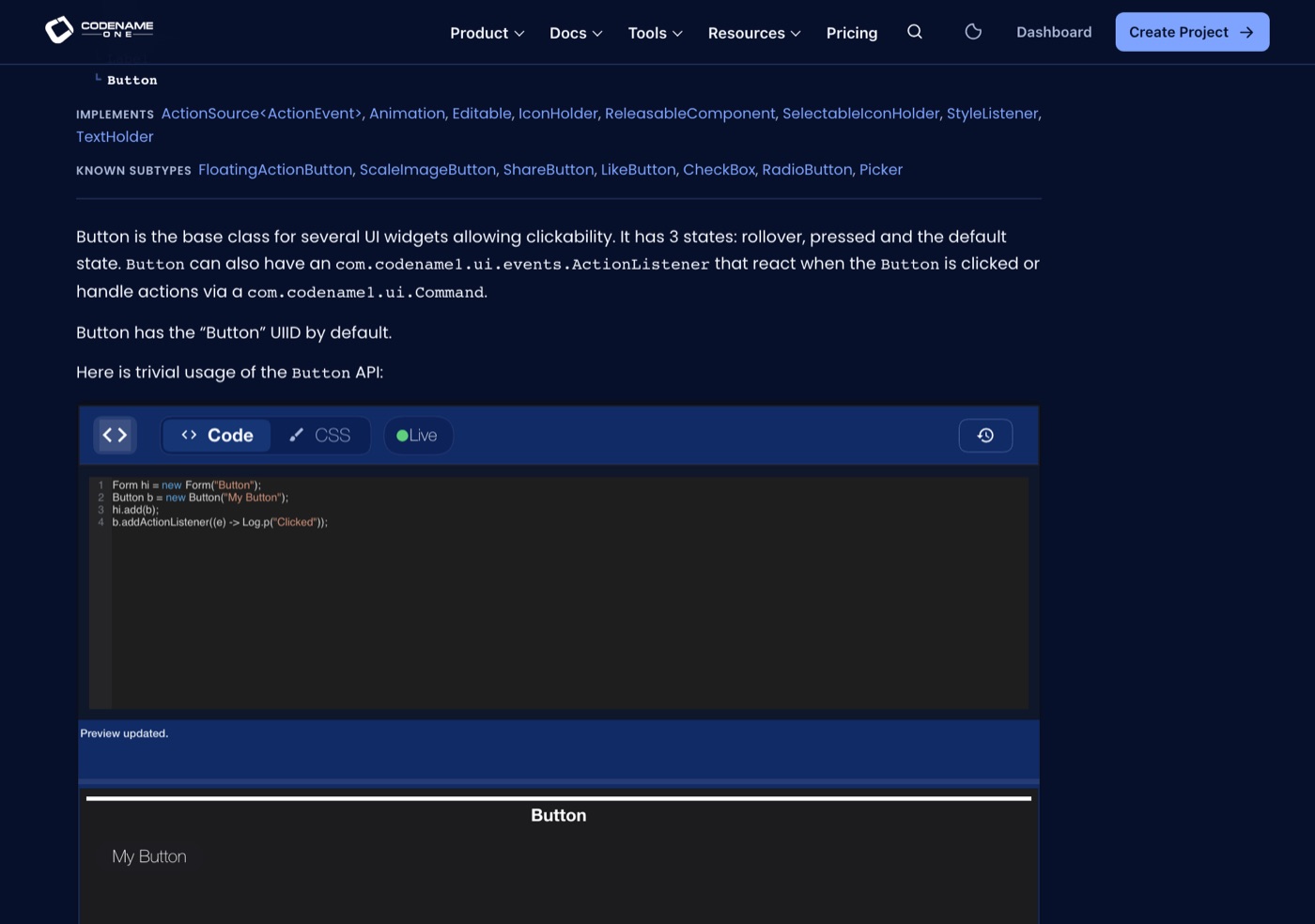
Every sample in the API docs now has a button that runs it, labeled Try It. Press it and the code compiles and runs in your browser, with the in-tree Java compiler and the ParparVM JavaScript translator. After the first load, a snippet takes about a second. Change the code and run it again.
Tomorrow: Native Menus, File Dialogs and 3D Models.