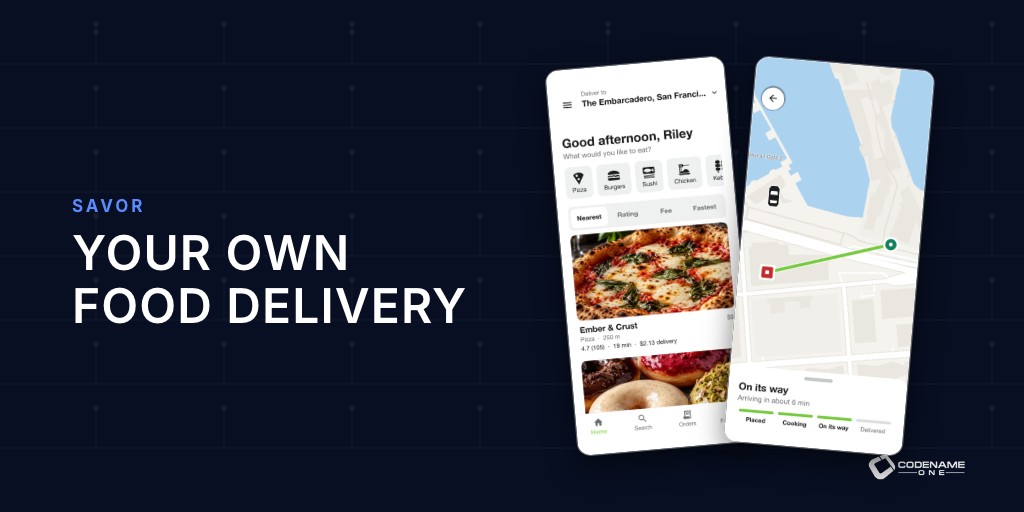
Delivery platforms take a big cut of every order, often between 15% and 30%. For a restaurant running on thin margins, that cut can be the whole profit. That’s why so many restaurants, small chains and local delivery startups want their own ordering app, and why most of them give up when they see what it takes: a customer app, a kitchen screen, a courier app, an operations console, payments, maps and a server that ties it together.
Savor is all of that in one Java project. It’s the third of this week’s templates, after Skirmish and Parley, and it’s a sibling of Wayline, the ride-hailing app from last week. Pick the food-delivery template in the Initializr, set your name and package, and you have a working delivery service. The source is under MIT-0, so the business you build on it is yours.
One app, four roles
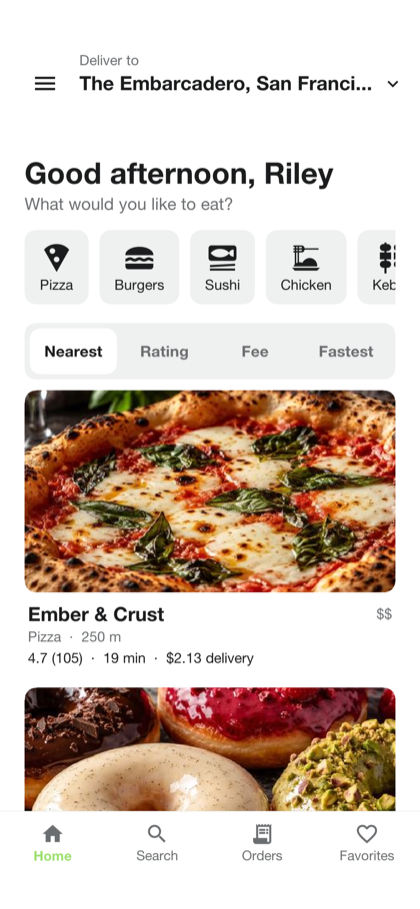
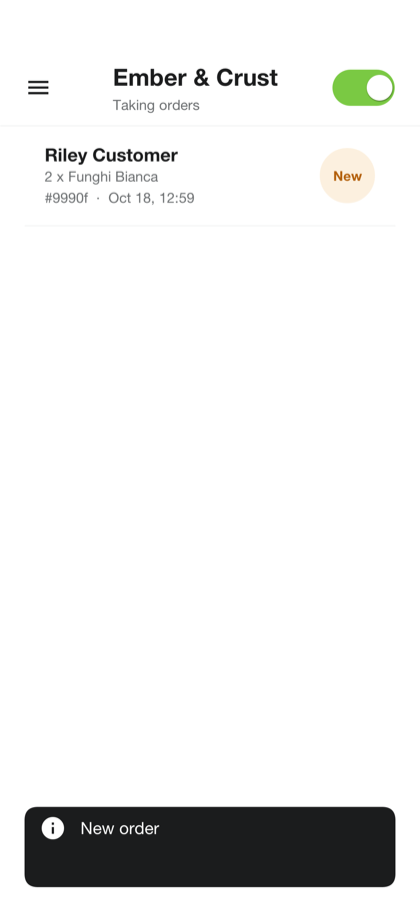
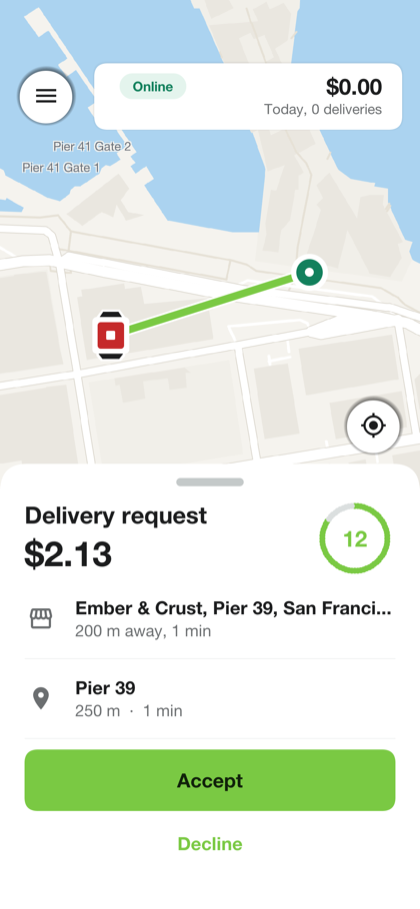
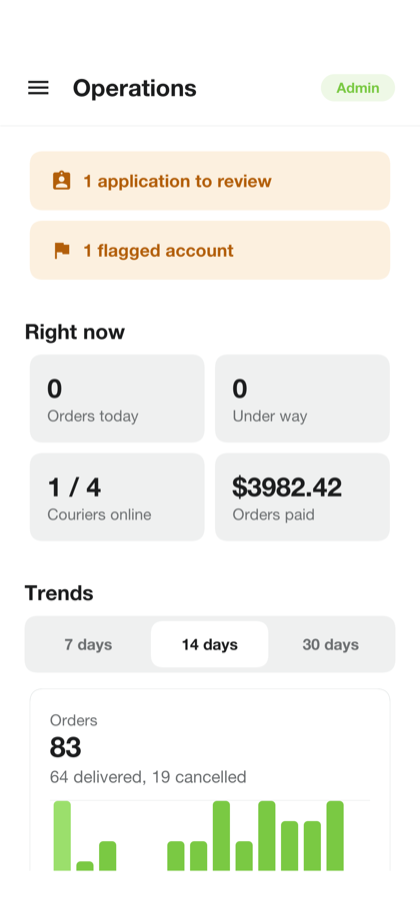
Savor is a single app. The account’s role decides the first screen: a customer sees restaurants, a merchant sees the order queue, a courier sees the delivery screen and an administrator sees the operations console. One build to publish, one code base to maintain.
| Role | What they can do |
|---|---|
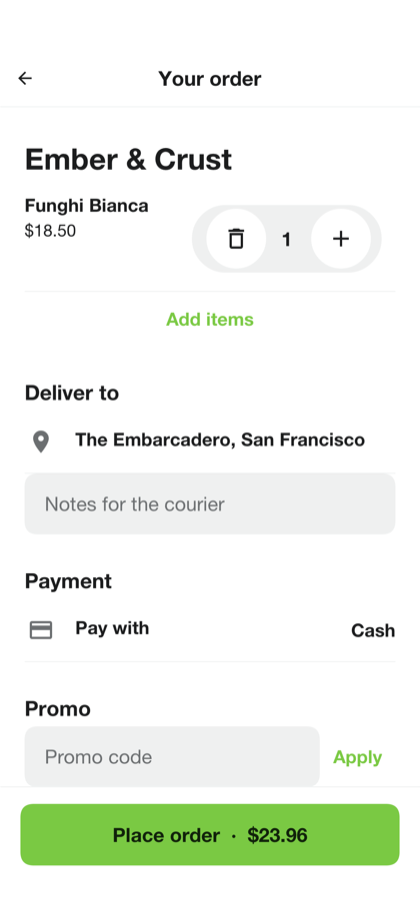
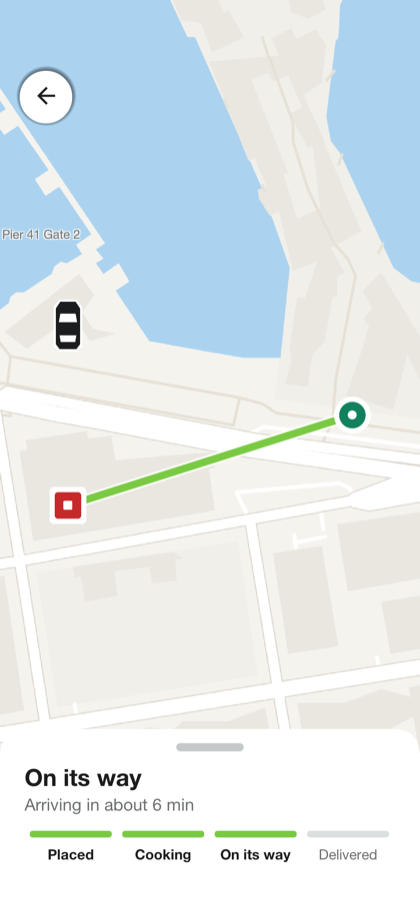
| Customer | Browse restaurants that deliver to their address, build a cart, pay by card or cash, tip, track the courier on a map and get refunds |
| Restaurant | Accept or reject orders, mark them ready and see the queue update live |
| Courier | Apply with documents, go online, accept offers, navigate to the pickup and the customer, and track earnings |
| Administrator | Watch the dashboard and trends, review courier applications and manage accounts |
The hard parts are already handled
The screens are the visible part of a delivery service. The business rules underneath are where projects usually stall. Savor has them in place.
Money moves at the right time. The card is authorized for the total when the order is placed and captured when the food is delivered. A rejected or canceled order releases the hold, so customers are never charged for food they didn’t get. From Payments.java:
/// Holds an order's total on the customer's card as the order is placed,
/// with no transaction open. Nothing is taken until the order arrives
/// ([#settle]); an order that never does lets the hold go ([#release]).
public String authorize(String orderId, String username, String methodId, long amountCents,
        String currency) throws IOException {
    if (CASH.equals(methodId)) {
        return CASH;
    }
With Stripe, cards are added on Stripe’s own page, so card numbers never touch your app or your server. Other providers plug in through the PaymentProvider interface.
Orders and deliveries can’t get confused. An order and its delivery are separate state machines that share an id. Every transition is a conditional update that names the states it can come from, so when a kitchen and a customer act at the same moment, only one of them wins.
Maps without an API key bill. Tracking uses OpenFreeMap vector tiles, OSRM routing and Photon place search. Updates arrive over a WebSocket as they happen, so the customer watches the courier move.
Everything Wayline learned, Savor reuses. Accounts, sign-in with phone verification, SMS and push providers, the live channel, the map, billing, the operations console, the database and hosting all come from Wayline. A delivery is, almost literally, a Wayline ride with a stop at the restaurant.
Make it yours
The guide covers the common ways to reshape Savor:
- A single restaurant or a small chain. Turn off merchant sign-up and run Savor as your own branded ordering app. This is the case where avoiding platform commissions pays off fastest.
- Pickup and scheduled orders, for when you don’t want couriers at all, or not yet.
- Your own couriers instead of a gig fleet.
- Beyond food: groceries, pharmacy, flowers, laundry, anything that moves from a shop to a door. Point an AI agent at the project and describe the business. The model, the roles and the flow are already there.
The colors and corner radius are CSS variables in theme.css, the text is in five languages, and the SMS provider is a setting (savor.sms.provider takes Twilio, Vonage or MessageBird).
Try it
The development profile simulates kitchens and couriers, so you can place an order and watch it move through the whole flow with nothing installed. Use card 4242 4242 4242 4242 to pay, or 4000 0000 0000 0002 to see a decline. The Savor page has the overview, and the user’s guide and implementor’s guide go deeper.
Tomorrow the series moves from apps to the framework features they pushed into Codename One, starting with More of the Java API, and an Experiment With Unity Games.